
In this blog, we assume that you have some basic understanding about Apache Kafka. If not please go through this official page to get some basic understanding.
Here we will try to explain
- Starting Kafka Standalone Cluster (Single Instance)
- Integration with Pega
- Realtime Data Integration
Starting Kafka Standalone Instance
- Download the latest version available (we have used the source code distribution)
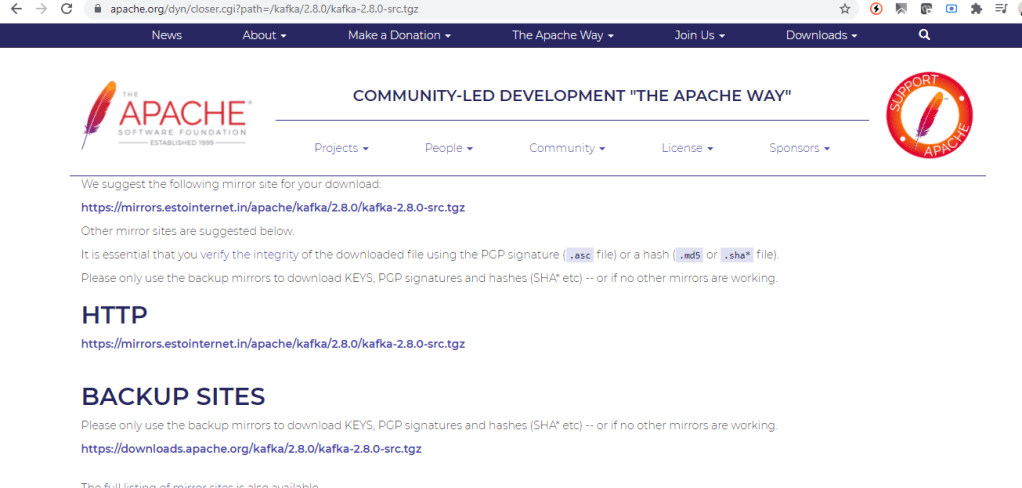
2. Extract the content in a directory!

3. Open Command Prompt to start the Kafka Zookeeper service. In command prompt, point to your directory to run the below command (if you are using windows)
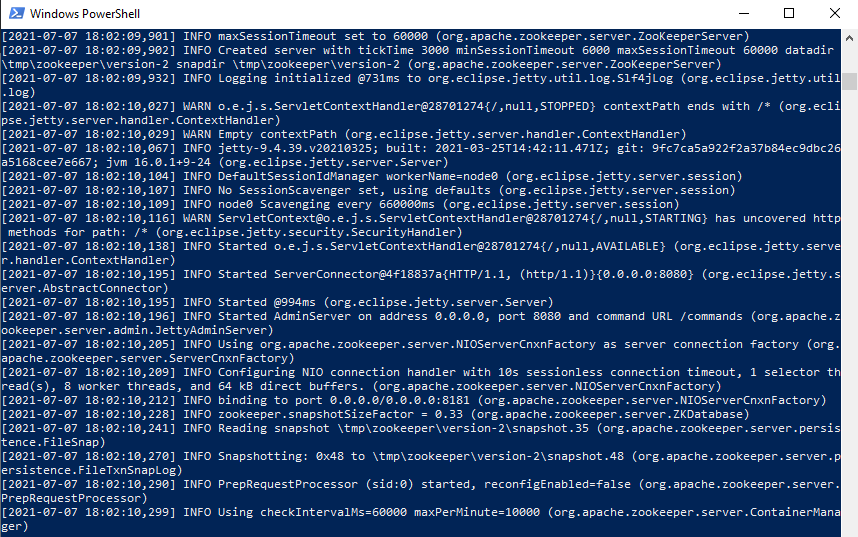
C:\KondalLab\kafka_2.13-2.8.0> bin/windows/zookeeper-server-start config/zookeeper.properties
You must see the output as below. Now you have running zookeeper service.
4. Setup a broker with the following command in another shell window or command window.
C:\KondalLab\kafka_2.13-2.8.0> bin/windows/kafka-server-start config/server.properties
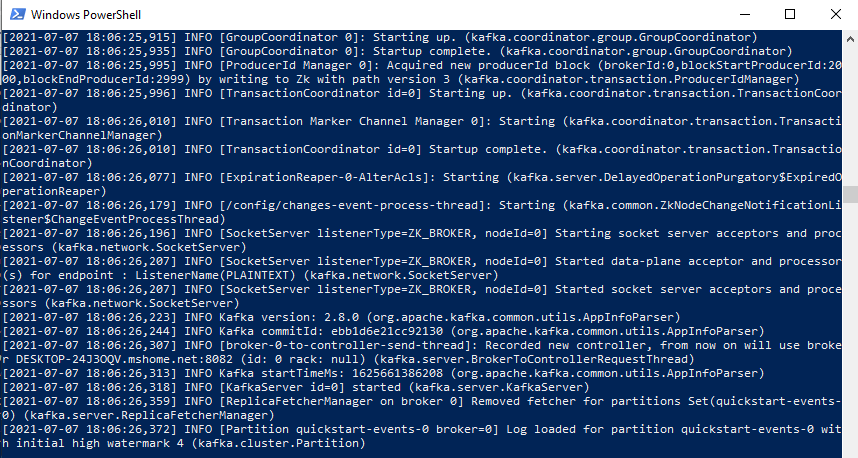
5. Now we have a running zookeeper with a kafka broker. Let’s now create a topic in a different window (As we are running in a standalone mode, each window is a service)
PS C:\KondalLab\kafka_2.13-2.8.0> bin/windows/kafka-topics --create --topic quickstart-events --bootstrap-server localhost:8082
6. You can now check this topic and its configuration as below with a below command.
PS C:\KondalLab\kafka_2.13-2.8.0> bin/windows/kafka-topics --describe --topic quickstart-events --bootstrap-server localhost:8082

7. Now, we have done with setting up a kafka cluster with a topic. Let’s look at Pega side to integrate to this instance before we create a real time message/event.
Integration with Pega Infinity Platform
- Create Kafka configuration as below.

2. Configure Kafka with the Host URL and the PORT. Do verify to check the connection as well.


3. Now you have a successful Kafka integration. Let’s now create a DataSet of type ‘Kafka’ to listen to a particular topic.
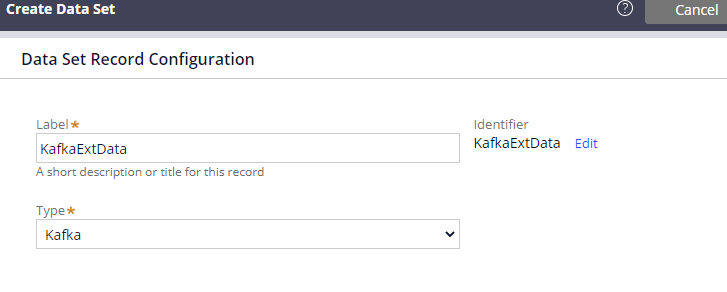
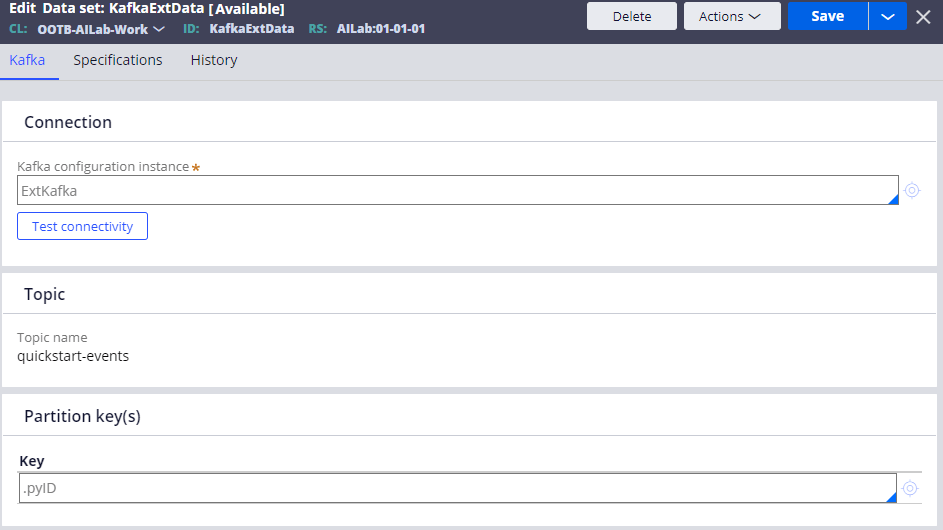
4. Now let’s try to create few events and test this data set to check the created events from Pega. For that, use the below command to create events
PS C:\KondalLab\kafka_2.13-2.8.0> bin/windows/kafka-console-producer --topic quickstart-events --bootstrap-server localhost:8082

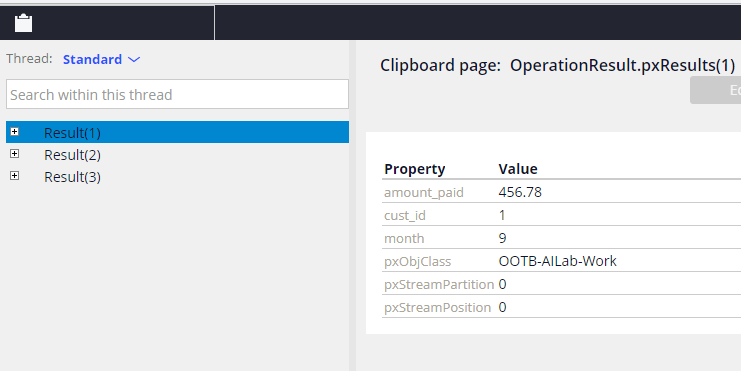
5. As you see above, we have successfully pushed three customers into the created topic. Now, perform run on the dataset.

6. You can verify those three messages which are being fetched from the topic
Realtime Data Integration
So far so good right? But, in real time scenarios, we have to have a mechanism to continuously monitor these events and process them using business logics. To implement that we can use real time data flow integration which listens to this data to serve continuously.
- Make sure you have running real time service node in running status.
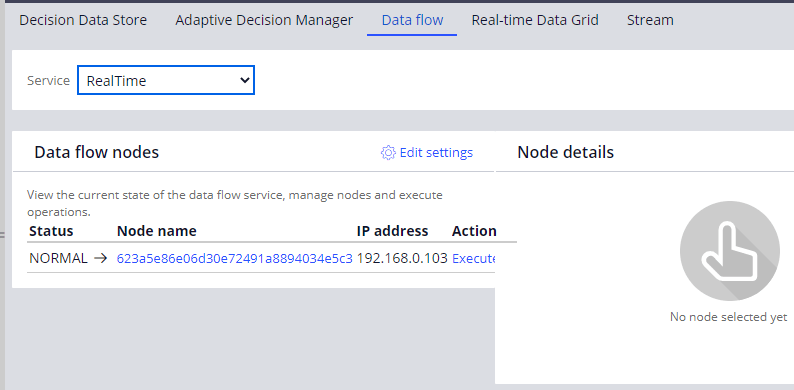
2. Create a data flow with the dataset which we have created and do some action. we have used an activity to create a Event case (simple flow/logic)
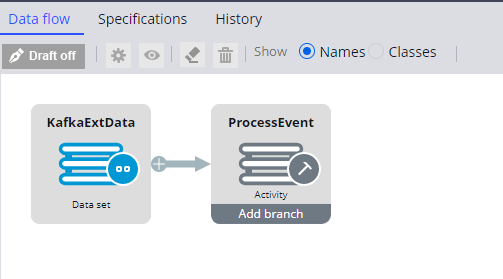
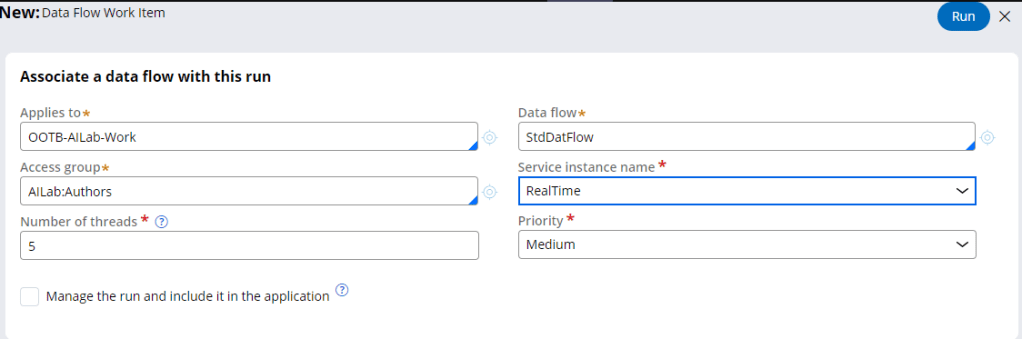
3. Run the data flow as Realtime service instance.
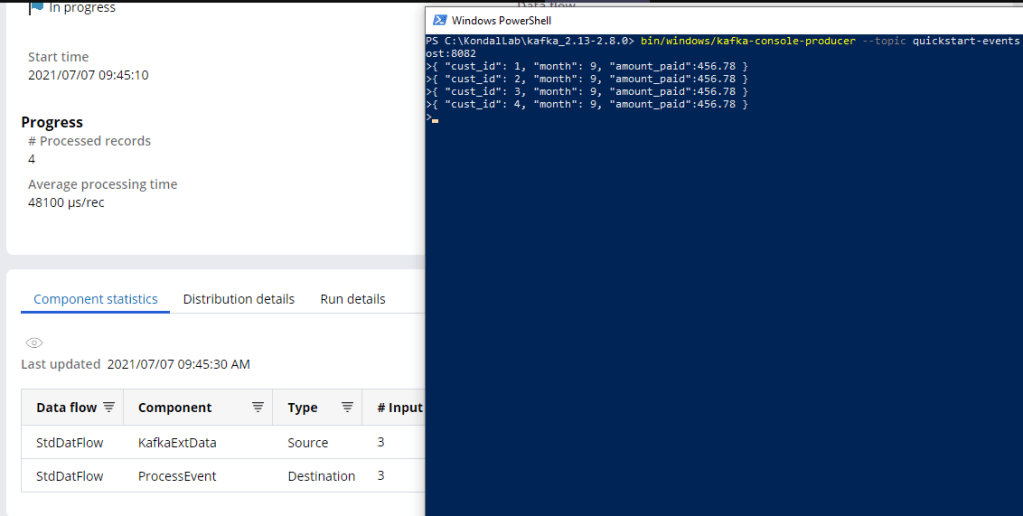
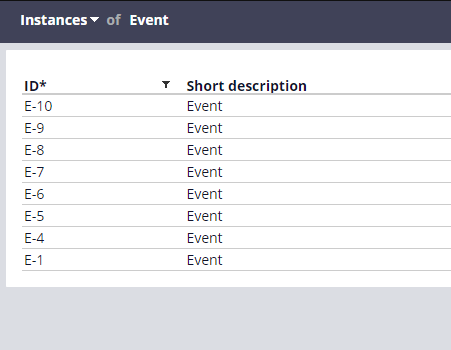
4. You can see those cases gets created for each event.
Summary
Hope you have got some insights about integrating Pega with an external Kafka topic and process those events.
#StaySafe #StayAtHome

 Think & Grow with PegaOOTB